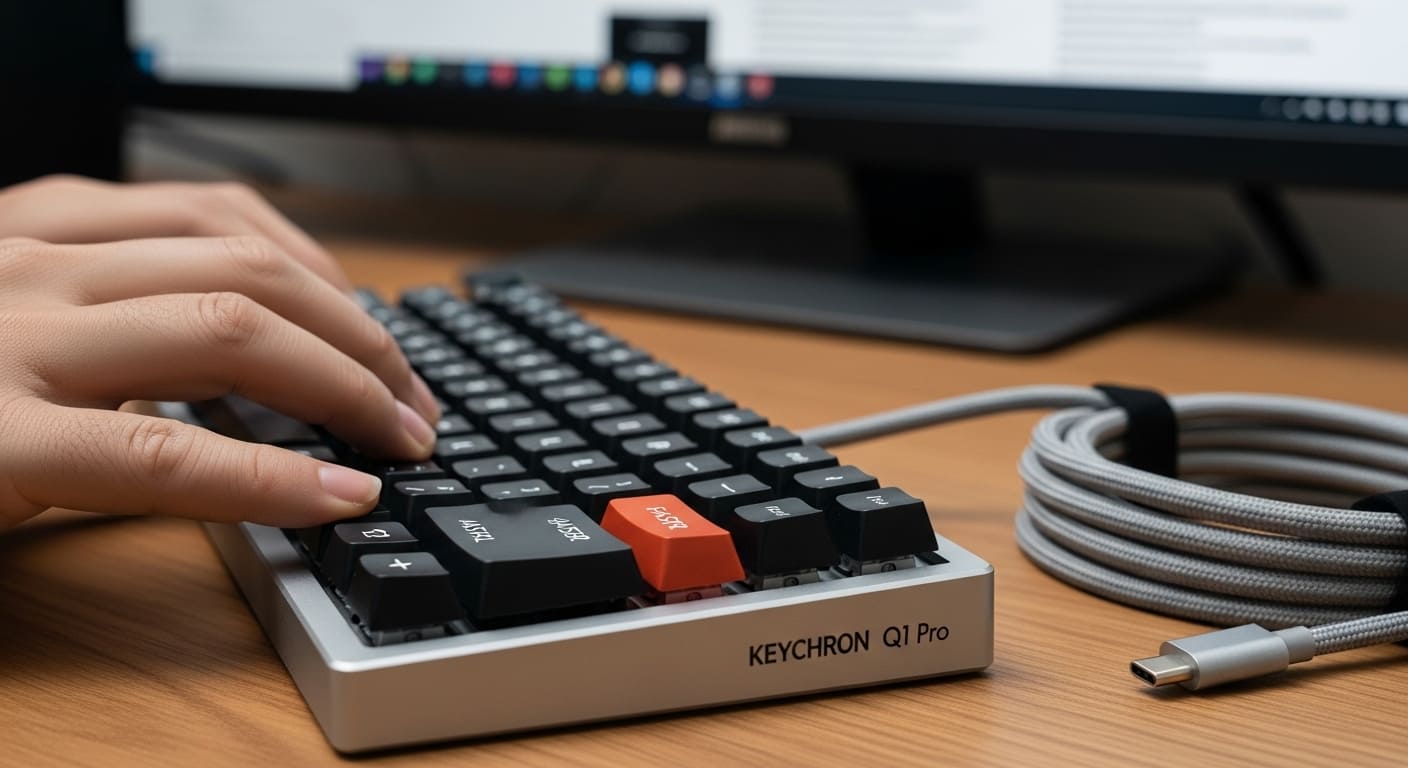
Introduction to the Keychron Q1 Pro
If you’ve ever fallen into the rabbit hole of mechanical keyboards, chances are you’ve heard of Keychron. And if you haven’t? Well, buckle up. The Keychron Q1 Pro isn’t just another keyboard — it’s a statement piece for anyone serious about typing.
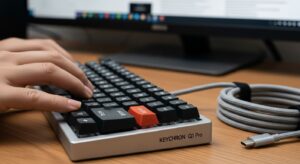
Right from the start, this mech keyboard feels different. Heavier. Solid. Intentional. It’s not plastic. It’s not flimsy. Instead, it’s carved from aluminum like a block of premium engineering.
But here’s the real question: is it worth your money?
Let’s break it down step by step.
Understanding Types of Keyboards Before Buying
Before we dive deeper, let’s zoom out. What are the types of keyboards available today?
Mechanical vs Membrane Keyboards
First of all, membrane keyboards are soft and quiet but lack precision. In contrast, mechanical keyboard switches offer tactile feedback and durability. Consequently, typing feels more responsive.
Mechanical boards use individual switches under every key. Membrane keyboards? Just rubber domes.
So, if you want speed and accuracy, mechanical wins — every time.
Wireless Keyboard Touch and Magnetic Keyboard Options
Now, things get interesting.
Some modern boards feature wireless keyboard touch controls — smooth gestures for quick commands. Others experiment with magnetic keyboard technology using Hall effect sensors for analog precision.
However, the Q1 Pro focuses on traditional mechanical excellence rather than gimmicks.
Keyboard and Types Explained Simply
To simplify:
-
Membrane = budget & basic
-
Mechanical = customizable & durable
-
Magnetic = futuristic & niche
-
Wireless = convenience
-
Wired = stability
The Keychron Q1 Pro blends mechanical power with wireless flexibility.
Build Quality – Premium Aluminum Craftsmanship
This is where the Q1 Pro shines.
CNC Aluminum Body Breakdown
The keyboard is machined from solid aluminum. As a result, it feels incredibly sturdy. When you pick it up, it doesn’t flex.
Furthermore, the weight keeps it planted during intense typing sessions.
Gasket Mount Design Explained
Unlike standard tray mounts, the Q1 Pro uses a gasket mount. In other words, the plate floats slightly on foam padding. Therefore, keystrokes feel cushioned and smooth.
Think of it like shock absorbers in a car.
Durability Compared to Other Keyboard Sizes
Compared to small computer keyboard models made of plastic, this one feels industrial-grade.
And yet, it doesn’t feel bulky.
Keyboard Sizes and Layout Options
Keyboard sizes matter more than you think.
75% Layout vs Full-Size
The Q1 Pro uses a 75% layout. That means:
-
No numpad
-
Compact design
-
Function row included
So, it saves desk space without sacrificing essentials.
Small Computer Keyboard Benefits
A smaller board means more mouse space. Gamers love that. Designers appreciate the cleaner desk aesthetic.
Moreover, portability improves dramatically.
American Keyboard Layout vs Spanish Keyboard
By default, most units ship with the American keyboard layout (ANSI). However, you can configure it for a Spanish keyboard layout if needed.
Switching layouts is simple via QMK firmware.
Mechanical Keyboard Switches Deep Dive
Here’s where things get fun.
Keyboard Switch Types Explained
There are three primary keyboard switch types:
Linear Switches
Smooth. No bump. Quiet.
Great for gaming.
Tactile Switches
Noticeable bump without loud click.
Perfect balance.
Clicky Keyboard Experience
Loud click. Strong feedback.
Think old-school typewriter vibes.
Mech Keyboard Switches in Q1 Pro
The Q1 Pro offers multiple mech keyboard switches like Keychron K Pro Reds, Browns, and Blues.
Hot-swappable sockets let you change switches without soldering.
That’s huge.
Typing Experience and Average Keyboard Speed
Typing on this board feels addictive.
The average keyboard speed for most users is 40–60 WPM. However, with mechanical switches and proper practice, users often hit 80+ WPM.
Why?
Because tactile feedback improves accuracy.
Additionally, the gasket mount reduces fatigue.
QMK and VIA – Full Customization Power
This is the power-user dream.
What is QMK Firmware?
QMK is open-source firmware allowing deep customization.
You can:
-
Remap keys
-
Create macros
-
Adjust layers
Remapping Keys Made Easy
Through VIA software, customization becomes visual and simple.
Therefore, you don’t need to be a programmer.
Fixing Keyboard Not Typing with Firmware
Sometimes, a keyboard not typing issue comes from firmware conflicts. Updating QMK often fixes it instantly.
Wireless Freedom – Bluetooth & Wired Modes
The Q1 Pro supports Bluetooth 5.1.
You can connect up to three devices.
Switch between laptop, tablet, and phone in seconds.
Battery life? Around 300 hours without RGB.
If your keyboard not working in Bluetooth mode, simply switch to wired USB-C and reset pairing.
Keyboard Driver and Software Setup
Most modern systems auto-detect the board.
However, installing the correct keyboard driver ensures full compatibility.
If your keyboard not typing after setup:
-
Check driver updates
-
Reset firmware
-
Test in wired mode
Problem solved.
Gaming with the Keychron Q1 Pro
Latency in wired mode is nearly zero.
In Bluetooth? Slightly higher, but acceptable for casual gaming.
For competitive play, stick to wired.
Everyday Work & Office Use
For writers and developers, this keyboard feels like an extension of your fingers.
Switching between Mac and Windows layouts is seamless.
Comfort remains excellent even after hours.
Comparing Keychron Q1 Pro to Other Keyboards
Against entry-level boards, it’s leagues ahead in build and customization.
Compared to magnetic keyboard models, it lacks analog input but offers richer typing feel.
Pros and Cons
Strengths
-
Premium aluminum build
-
Hot-swappable mechanical keyboard switches
-
QMK support
-
Wireless flexibility
Weaknesses
-
Heavy
-
Premium price
-
No 2.4GHz dongle
Who Should Buy the Keychron Q1 Pro?
Developers? Absolutely.
Gamers? Yes — especially wired users.
Remote workers? Perfect balance of form and function.
Final Verdict
There is more to the Keychron Q1 Pro than just a mechanical keyboard. It’s a carefully engineered tool built for enthusiasts who demand customization, premium materials, and wireless flexibility.
If you care about typing experience, durability, and firmware power, this keyboard delivers.
It’s not cheap. But it feels worth every dollar.
FAQs
1. Is Keychron Q1 Pro good for beginners?
Yes, although beginners may need time to explore QMK customization.
2. What are the best keyboard switch types?
It depends — linear for gaming, tactile for typing, clicky keyboard fans for sound lovers.
3. How to fix keyboard not typing issue?
Check drivers, reset firmware, test wired mode.
4. What is average keyboard speed?
Most people type 40–60 WPM; mechanical boards can increase speed with practice.
5. Can I switch between American and Spanish keyboard layouts?
Yes, via firmware remapping or OS settings.